 Doorbook
Money that has not arrived
Doorbook cannot detect that a payment arrived. The landlord marks it — and the ledger keeps track of whatever is still outstanding until it does.
Paid, or partially paid
A room can be marked paid, or recorded as having paid a partial amount. The two are different: partial payment records an amount, and the rest stays outstanding.
Marked paid by mistake
Open the room's bill and tap Undo payment under its paid status, or choose it from the room's long-press menu on Home. Doorbook asks before it acts, then clears what was recorded for the room this cycle, and the room's whole total is outstanding again.
What outstanding means
Outstanding for a room is its total minus what has been received this cycle, never below zero. An overpayment does not become a negative balance.
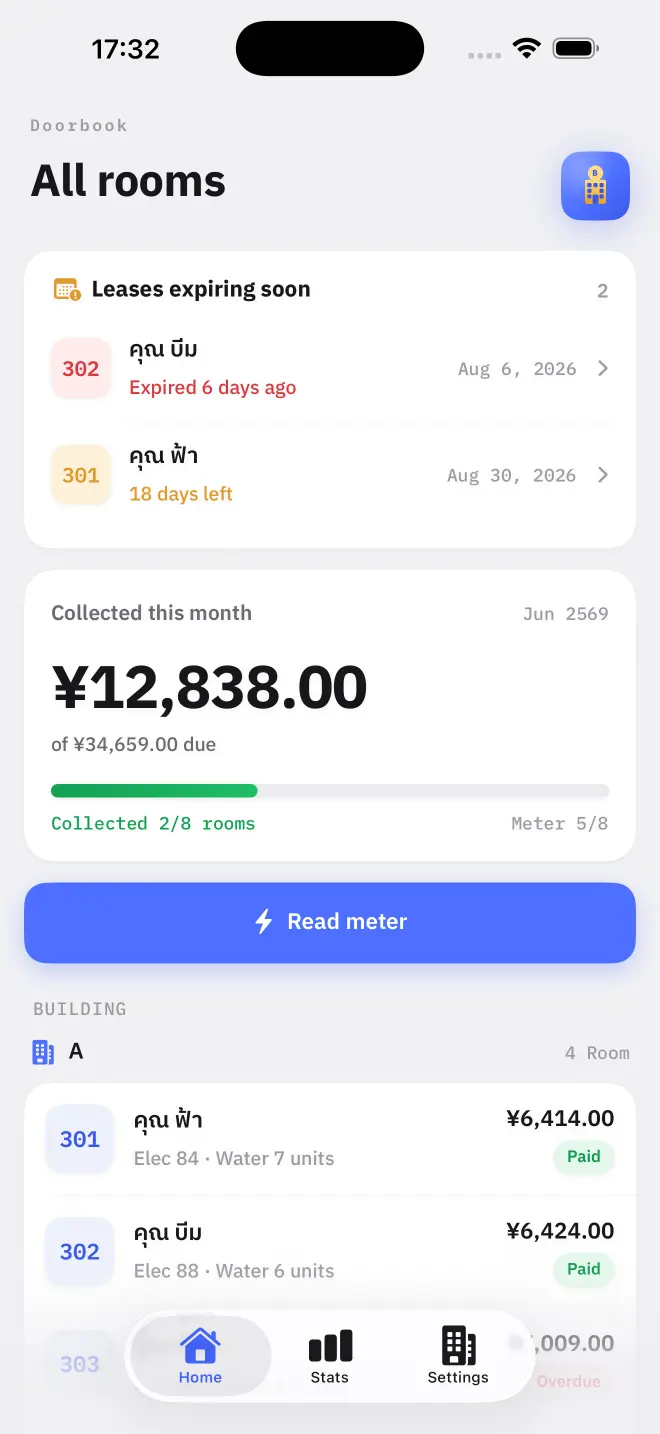
The home screen totals what has been billed against what has been collected for the current cycle, so the month's position is visible without adding anything up.
What closing does to unpaid balances
Closing the cycle turns each room's outstanding into next month's brought-forward line. It is computed at the moment of closing, from what had been received by then — so mark payments before you close.
- Brought-forward appears as its own line on the next bill.
- It is included in the total the payment QR is generated for.
Read next
How the bill is worked out
What goes into a Doorbook bill: rent, internet, metered electricity and water, a one-off discount or surcharge, and anything left unpaid from last month.
NextClosing the month
Closing a cycle in Doorbook files the month into history, turns this month's meter readings into next month's baseline and carries any unpaid balance forward.